
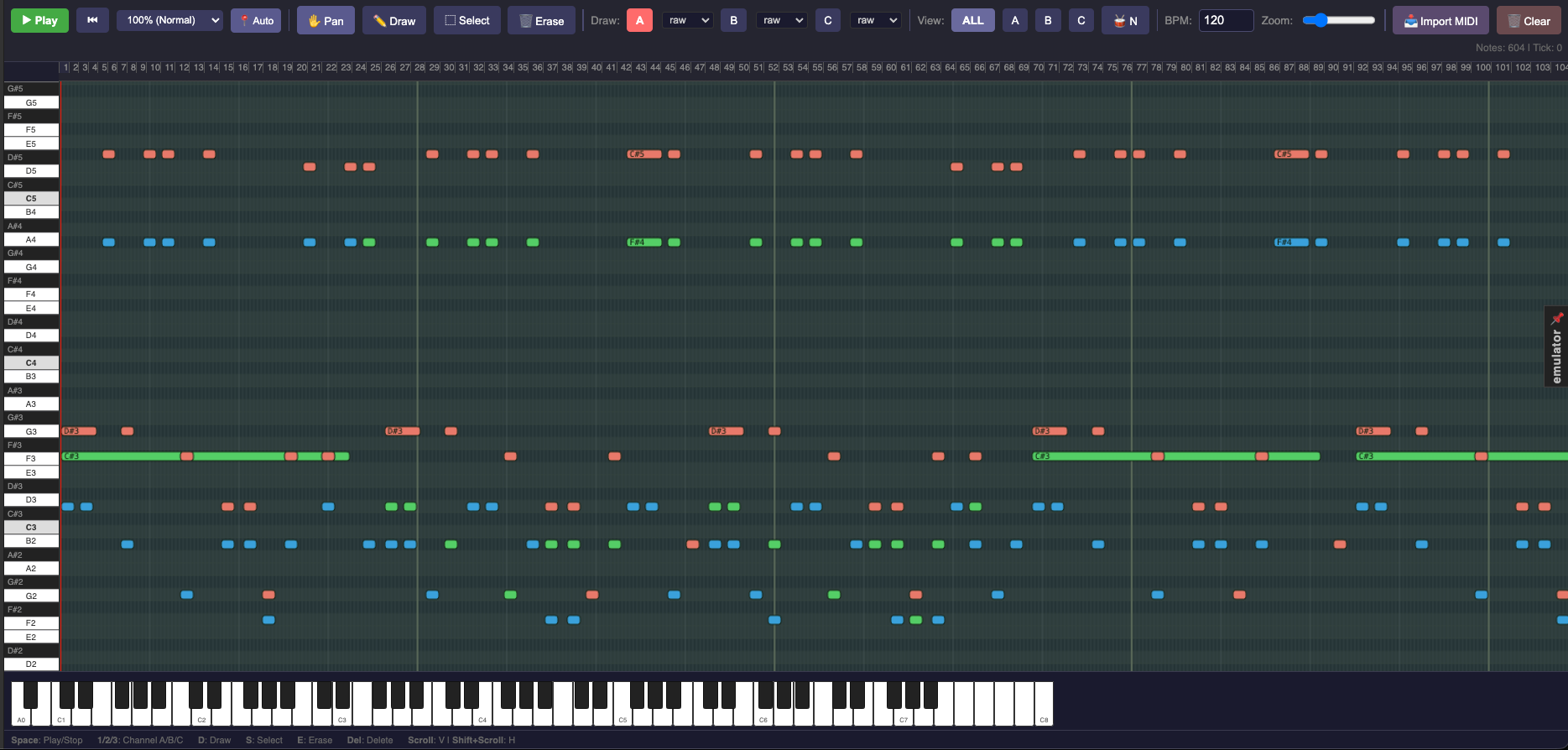
The Music Editor opens when you create or double-click a .vmus file. It provides a piano roll interface for composing music for the Vectrex's AY-3-8910 PSG sound chip, which has three tone channels (A, B, C) and one noise channel.
AY-3-8910 basics
The PSG has three independent tone oscillators (channels A, B, C) and one noise generator. Each channel can play one note at a time. Notes are specified as MIDI note numbers; the compiler converts them to PSG register values at build time.
Tools
| Tool | Shortcut | Use |
|---|---|---|
| Draw | D | Click and drag to create a note; drag right to set duration |
| Select | S | Click or shift-click to select notes; drag to move |
| Erase | E | Click a note to delete it |
| Pan | P / Middle-mouse | Scroll the view |
Piano roll
Notes appear as rounded rectangles on the grid. The vertical axis is pitch (A0 at the bottom, C8 at the top); the horizontal axis is time in ticks (24 ticks = 1 beat).
- Zoom: scroll wheel adjusts horizontal zoom (0.5×–3×).
- Channel colours: each channel (A, B, C) has a distinct colour. Switch the channel view filter in the toolbar to focus on one channel at a time.
Noise track
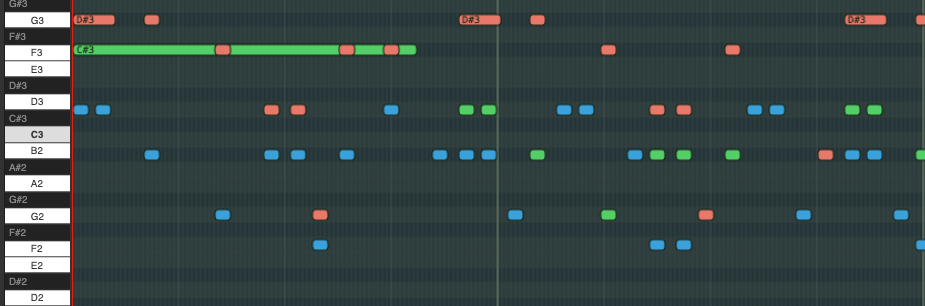
The noise track is a horizontal strip at the bottom of the grid. Draw events here to activate the noise generator. Each event has:
| Field | Range | Description |
|---|---|---|
| Period | 0–31 | Controls the noise pitch/colour. Lower = higher pitch. |
| Velocity | 0–15 | Volume of the noise burst. |
Playback
| Control | Action |
|---|---|
| Play / Stop | Start or stop playback |
| Speed | Playback rate: 25%–200% |
| Auto-scroll | Keep the playhead centred while playing |
| BPM | Tempo setting |
| Loop | Set loop start and end points |
Keyboard shortcuts:
Space— Play/Stop1/2/3— Switch active channelDelete— Remove selected notes
MIDI import
File → Import MIDI opens the MIDI import dialog. Select a .mid file and choose a mapping mode:
| Mode | Description |
|---|---|
| Merge | All MIDI tracks mapped dynamically to channels A, B, C as notes fit. |
| Separate | First three MIDI tracks mapped to A, B, C respectively. |
| Multiplex | Tim Follin-style: up to 6 virtual voices rapidly switched across the 3 channels. |
The dialog previews the result with audio playback before you commit. Percussion (MIDI channel 10, low notes) is detected automatically and mapped to the noise track.
Channel instruments
Each channel can optionally reference a .vinstr instrument preset that defines the envelope shape used at runtime. Leave unset to use the default square wave.
File format
{
  "version": "1.0",
  "name": "theme",
  "tempo": 120,
  "totalTicks": 384,
  "loopStart": 0,
  "loopEnd": 384,
  "notes": [
    { "id": 1, "channel": 0, "note": 69, "start": 0,  "duration": 24, "velocity": 12 },
    { "id": 2, "channel": 1, "note": 57, "start": 0,  "duration": 48, "velocity": 10 },
    { "id": 3, "channel": 0, "note": 71, "start": 24, "duration": 24, "velocity": 12 }
  ],
  "noise": []
}
In VPy code:
META MUSIC = music1   # auto-plays on startup
# or manually:
PLAY_MUSIC("theme")
STOP_MUSIC()