
The Instrument Editor opens when you create or double-click a .vinstr file. It defines a reusable instrument preset for the AY-3-8910 PSG — a set of timbral parameters (arpeggio, pitch sweep, noise) that the Music Editor can assign to a channel. The editor has two tabs: Edit for manual parameter control and Analyze for deriving parameters automatically from a real audio file.
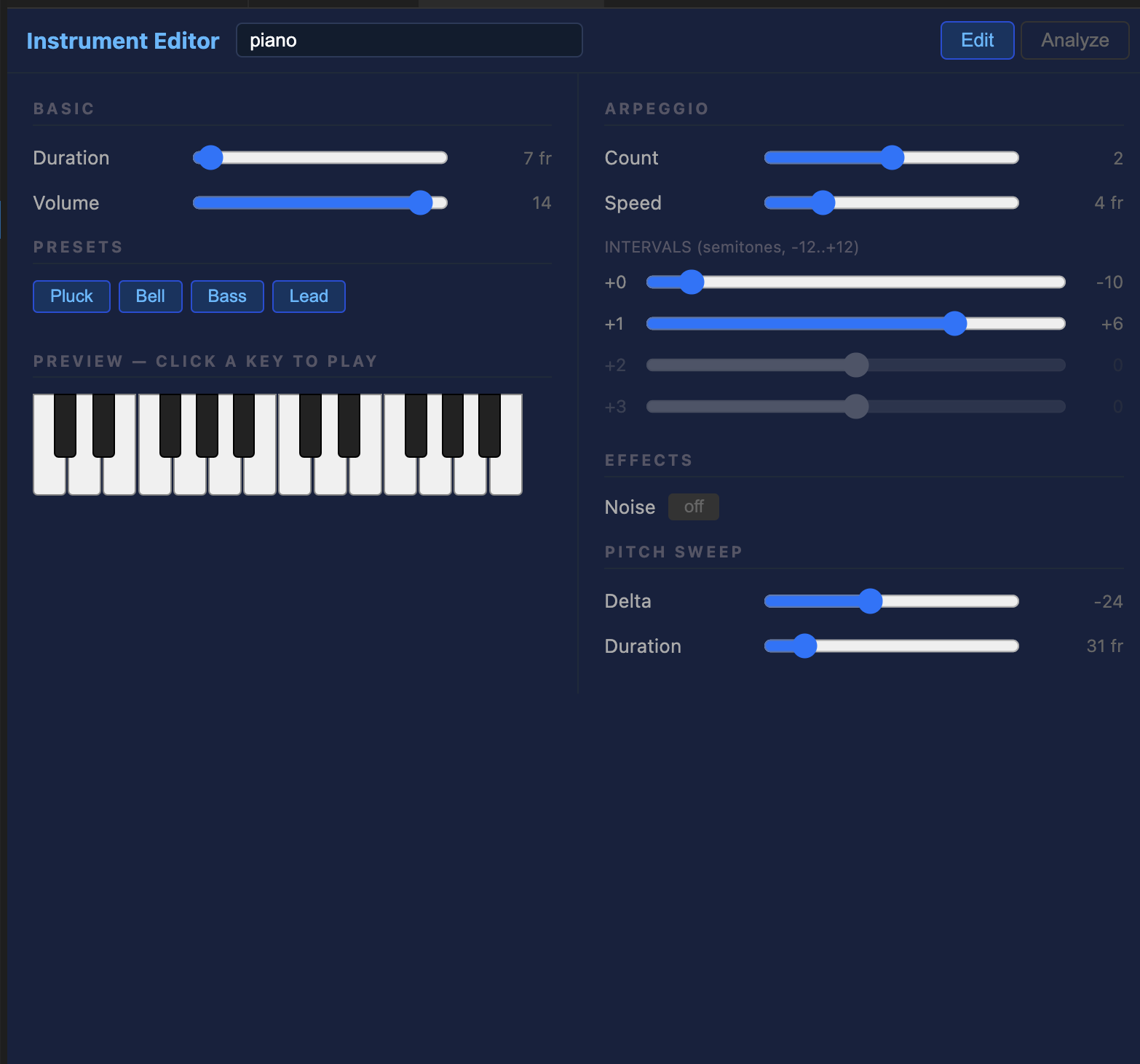
Edit tab
The Edit tab is split into two columns.
Left column — Basic, Presets, Piano
| Field | Range | Description |
|---|---|---|
| Duration | 1–255 frames | How many frames (@50 Hz) the note plays before cutting off. |
| Volume | 0–15 | Peak amplitude. |
Presets — four built-in starting points:
| Preset | Character |
|---|---|
| Pluck | Short attack, downward pitch sweep — guitar/harp-like |
| Bell | Slow arpeggio through harmonics — metallic bell |
| Bass | Long sustain, upward pitch sweep — deep bass note |
| Lead | Two-step arpeggio — bright lead tone |
Right column — Arpeggio, Effects, Pitch Sweep
Arpeggio
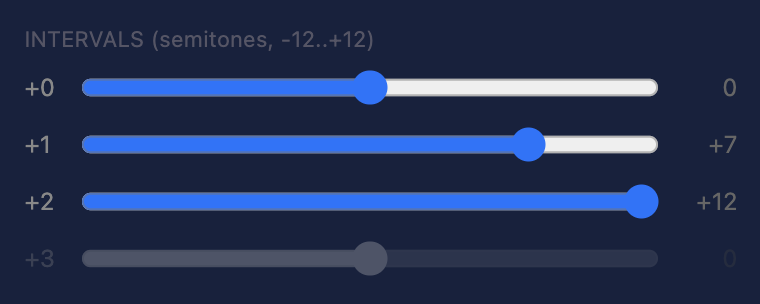
Arpeggio cycles through up to 4 semitone intervals rapidly, simulating chords or harmonics on the AY-3-8910's single-oscillator channels.
| Field | Range | Description |
|---|---|---|
| Count | 0–4 | Number of arpeggio steps. 0 = no arpeggio. |
| Speed | 1–16 frames | How many frames per arpeggio step. Lower = faster cycling. |
| Intervals | −12 to +12 st | Semitone offset for each step. Step 0 is always the root note. |
Effects
Noise — toggle on to mix the PSG noise generator into the note. Set the Noise period (0–31) to control the noise colour: 0 is the brightest, 31 the darkest.
Pitch Sweep
Makes the oscillator pitch change over the note's duration, adding movement to leads and bass sounds.
| Field | Range | Description |
|---|---|---|
| Delta | −127 to +127 | AY period increment per frame. Positive = pitch falls; negative = pitch rises. |
| Duration | 0–255 frames | How many frames the sweep lasts. 0 = no sweep. |
Piano keyboard
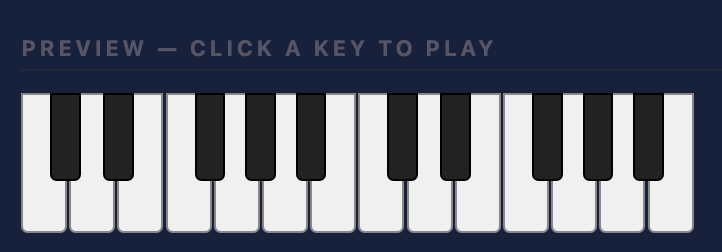
The bottom of the left column has a two-octave keyboard (C3–B4). Click any key to audition the instrument at that pitch through the Web Audio API. The preview accurately simulates the arpeggio, pitch sweep, and duration as they would sound on real Vectrex hardware.
Analyze tab
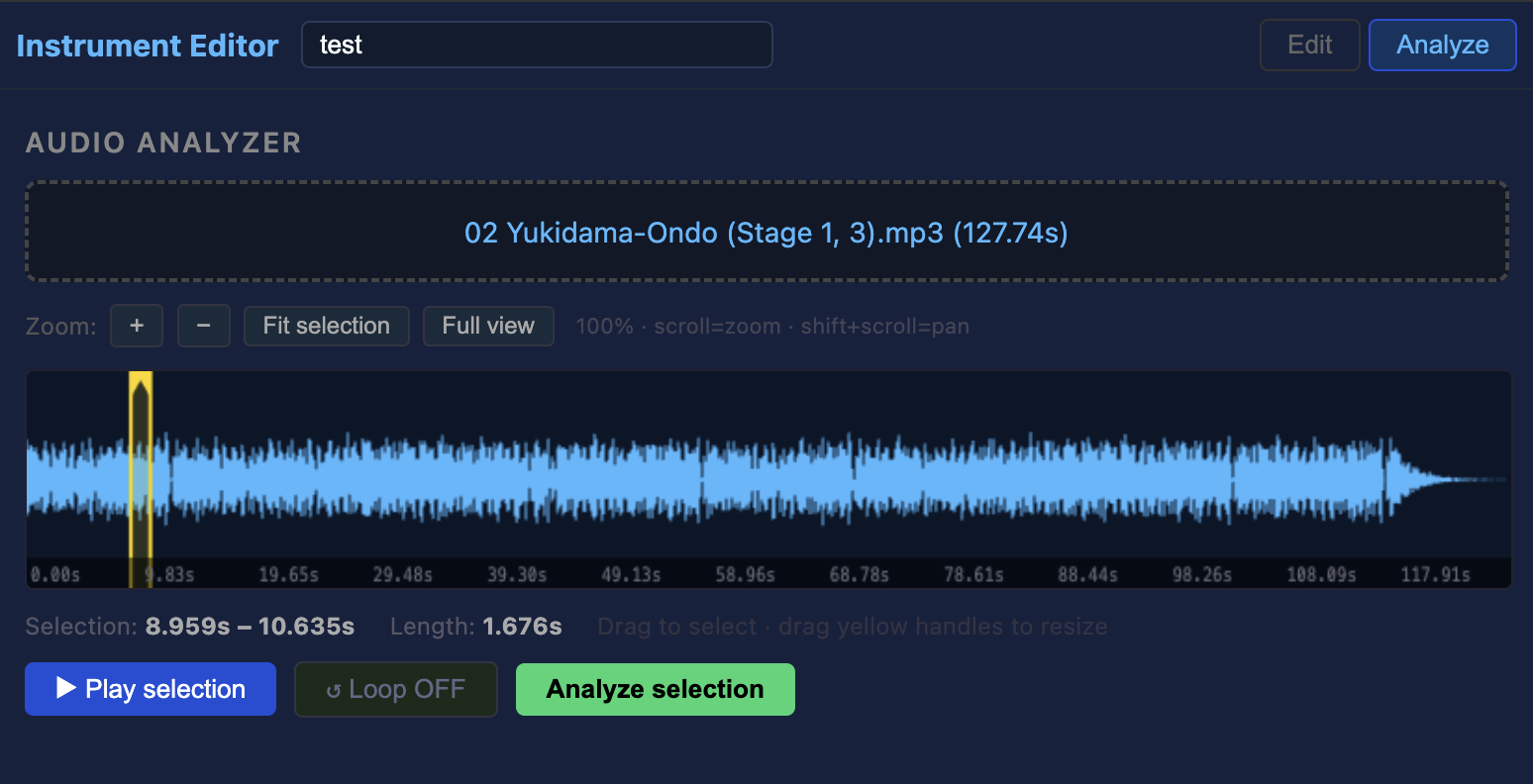
The Analyze tab listens to a real audio file and derives AY-3-8910 parameters that approximate its timbre. This is a fast way to get a plausible starting point when you want a sound to resemble a specific real instrument.
Loading audio
Drag a .wav, .mp3, .ogg, or .flac file onto the drop zone, or click it to browse. The waveform appears in the display.
Selecting a region
Click and drag on the waveform to select the region to analyze. Drag the yellow handle markers to resize the selection. For best results, select a short stable section (a single note attack, not silence or a long decay).
- Scroll wheel — zoom in/out on the waveform
- Shift + scroll — pan left/right
- Fit selection — zoom to show only the selected region
- Full view — zoom out to show the whole file
Use ▶ Play selection to audition the selected region before analyzing. ↺ Loop repeats it continuously for careful listening.
Analysis
Click Analyze selection to run the spectral analysis. The editor computes:
| Property | Method |
|---|---|
| Fundamental pitch | DFT peak in 40–5000 Hz range → MIDI note |
| Duration | RMS decay time (first point below 20% of peak) → frames |
| Volume | RMS peak → 0–15 scale |
| Arpeggio | Harmonic partials at 2×, 3×, 4× fundamental → semitone intervals |
| Noise | Spectral flatness of mid-high range → noise period |
| Pitch sweep | Pitch drift between first and last quarter of region → sweep delta |
The results panel shows the detected values and any harmonics found. Click ▶ .vinstr to preview how the instrument sounds at the detected note before committing.
Click Apply all to Instrument to copy all detected parameters into the Edit tab. The editor switches back to Edit automatically so you can fine-tune from there.
The AY-3-8910 can only produce square waves. Arpeggio approximates complex timbres by cycling through harmonics rapidly. The result is always an approximation — use the piano keyboard to judge whether it needs further manual adjustment.
File format
{
  "version": "1.0",
  "name": "bell",
  "duration_frames": 20,
  "volume": 12,
  "arpeggio_count": 3,
  "arpeggio_speed_frames": 3,
  "arpeggio_intervals": [0, 7, 12, 0],
  "noise_enabled": false,
  "noise_period": 15,
  "pitch_sweep_delta": 0,
  "pitch_sweep_duration_frames": 0
}
In the Music Editor, assign a .vinstr preset to a channel via the Channel instruments section. The compiler reads the preset at build time and bakes the parameters into the ROM's sound tables.