
The Enemy Editor opens when you create or double-click a .venemy file. It defines everything about an enemy type: what it looks like, how it moves, and how the AI controls it. The compiler reads this file at build time and emits the corresponding ROM tables automatically.
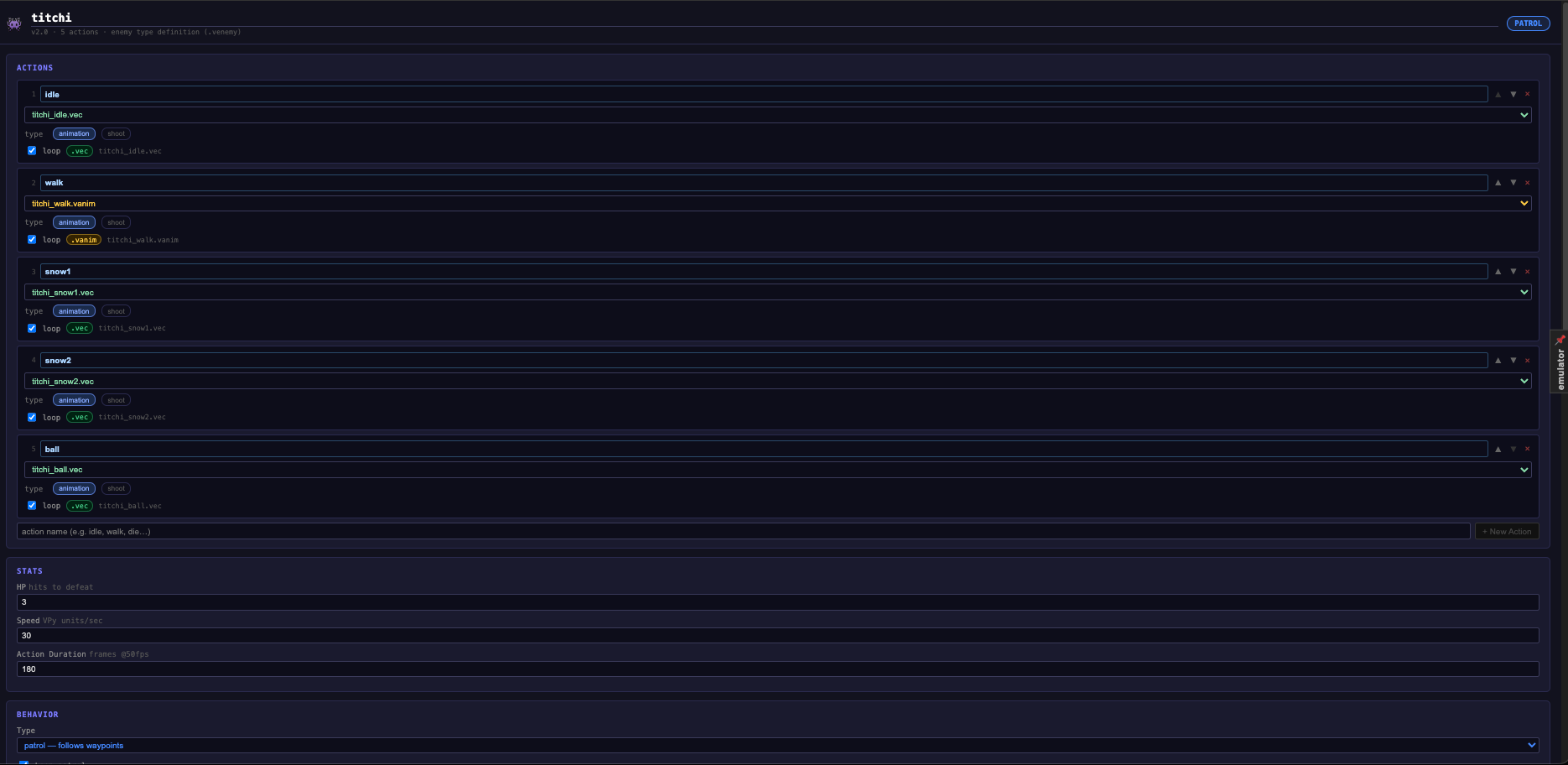
Actions
Actions are the named behaviours an enemy can perform. Each action has a sprite and optional playback settings.
| Field | Description |
|---|---|
| Name | Identifier used in VPy code and state machine transitions (e.g. idle, walk, attack). |
| Sprite | The .vec or .vanim file to render while this action is active. |
| Loop | Repeat the animation continuously while the enemy is in this action. |
| Type | animation (default) or shoot — shoot spawns a projectile. |
A new enemy file starts with idle and walk already created.
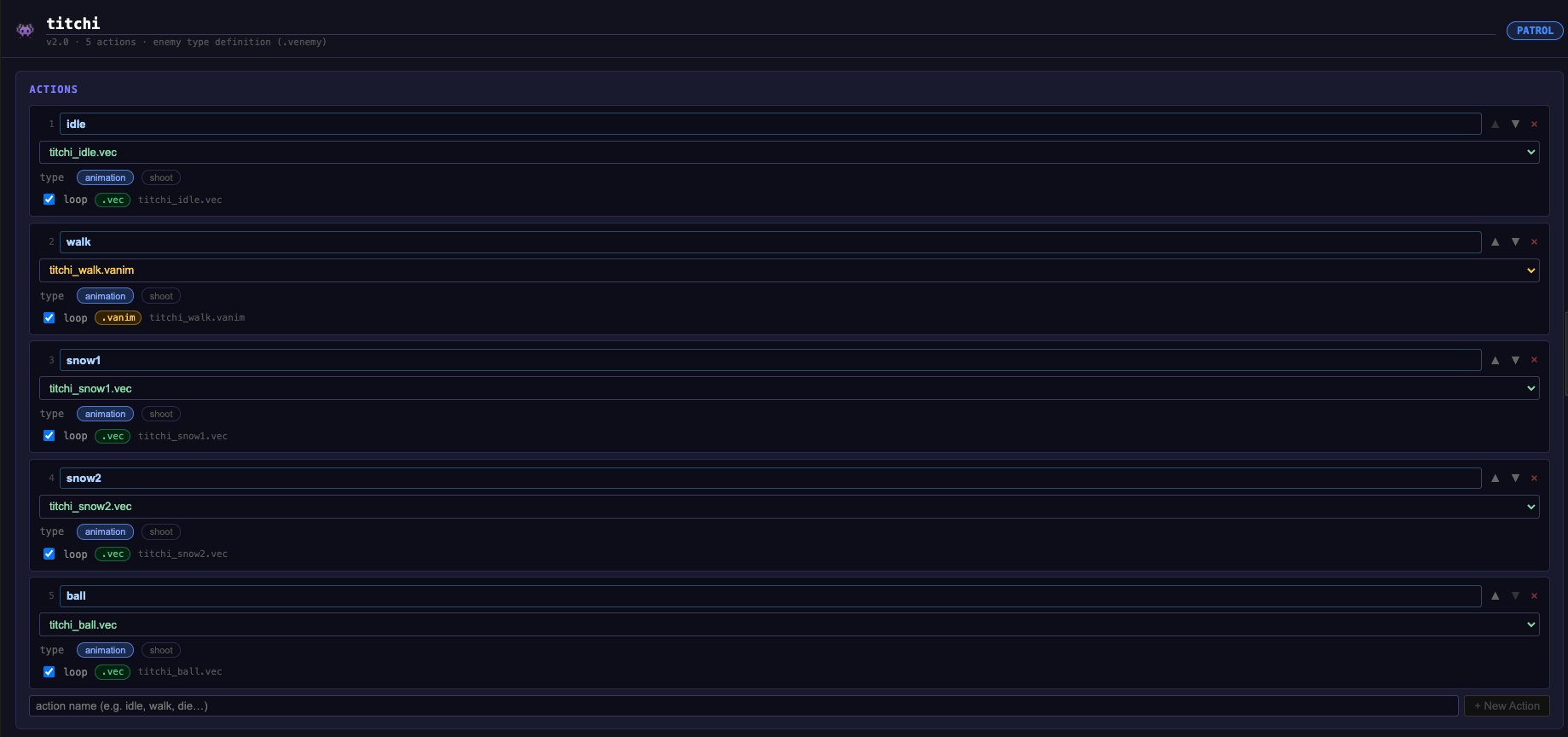
Stats
| Field | Range | Description |
|---|---|---|
| HP | 1–99 | Hits required to defeat the enemy. |
| Speed | 1–255 | Movement speed in Vectrex units per frame. |
| Action Duration | 1–9999 | Frames (@50 Hz) before the AI may switch actions. |
Behavior
The Type dropdown selects the AI mode:
| Type | Color | Description |
|---|---|---|
| patrol | Blue | Follows an explicit list of waypoints in order. |
| wander | Purple | Auto-patrols the walkable area on its platform. No waypoints needed — the compiler derives them from the Playground's walkable area paint. |
| chase | Red | Pursues the player when within Chase Range units. |
| flee | Green | Runs away from the player when within Chase Range. |
| static | Grey | Does not move. |
Common options (patrol and wander):
| Option | Description |
|---|---|
| Mirror on turn | Flip the sprite horizontally when the enemy reverses direction. |
| Default facing | Which direction the enemy faces at spawn (left or right). |
| Patrol action | Which action name to play while moving (usually walk). |

Patrol Waypoints
Only available when Type is set to patrol. Add explicit (x, y) waypoints — the enemy walks between them in sequence. You can also place and drag waypoints visually in the Playground editor.
Leave the list empty with wander type — the compiler generates the patrol route automatically from the walkable area.
State Machine
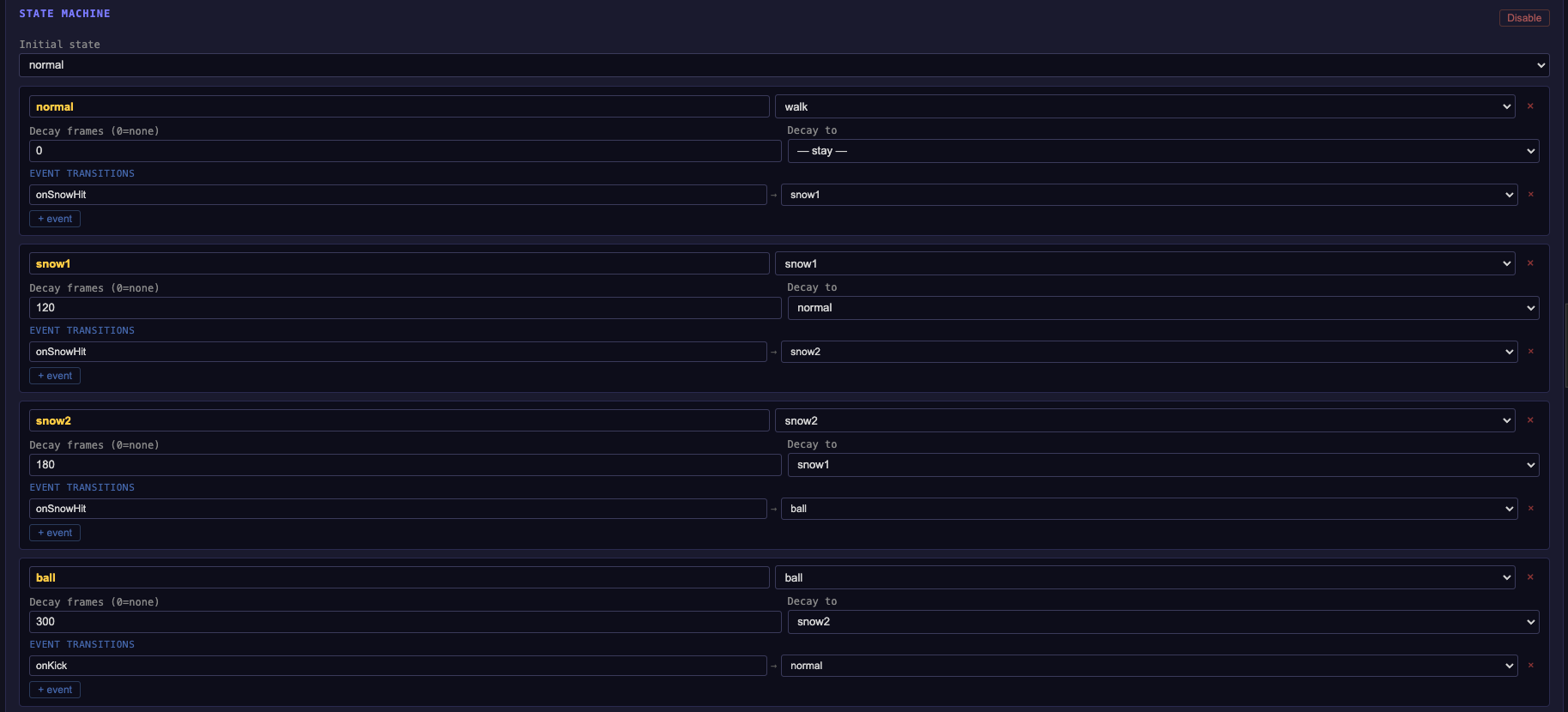
The optional State Machine lets you build more complex enemy logic: hurt reactions, attack patterns, death sequences.
Click Enable to activate the FSM. Each state has:
| Field | Description |
|---|---|
| Name | State identifier (e.g. normal, hit, dying). |
| Action | Which action to play while in this state. |
| Decay frames | If > 0, automatically transition to Decay to state after this many frames. |
| Events | Named triggers (e.g. on_hit, on_player_near) → target state transitions. |
The IDE generates VPy handler stubs for each event trigger so you can wire them up in code.
File format
{
  "version": "1.0",
  "name": "crawler",
  "actions": [
    { "name": "idle", "sprite": "assets/vectors/enemy.vec",       "loop": true,  "type": "animation" },
    { "name": "walk", "sprite": "assets/animations/enemy_walk.vanim", "loop": true, "type": "animation" }
  ],
  "stats": { "hp": 1, "speed": 1, "action_duration": 60 },
  "behavior": {
    "type": "wander",
    "patrol": {
      "waypoints": [],
      "loop": true,
      "mirrorOnPatrol": true,
      "defaultFacing": "right",
      "patrolAction": "walk"
    },
    "respawn": false,
    "wave": 0
  }
}
In VPy code, spawn enemies and update them with:
SPAWN_ENEMIES("world_1")   # call once in main()
UPDATE_ENEMIES()            # call every frame in update()
DRAW_ENEMIES()              # call every frame in draw()