
Playablev1.2
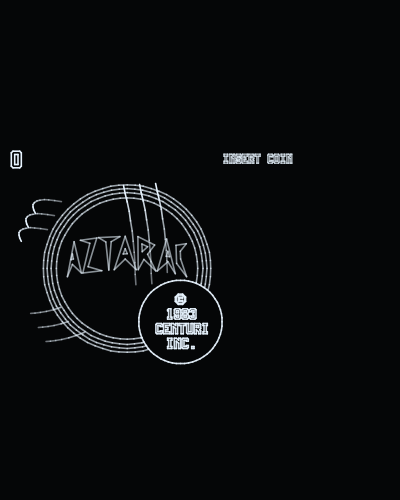
Aztarac
Centuri · 1983
by Daniel Ferrer
Runs at the arcade's own 40 Hz, with its four sound chips emulated and out of the jack. The turret, aimed on the cabinet by a dial, turns with buttons 2 and 3.
Runs on
- UVMC2✓
- Debug Cart✓
- Simulator✓
- Tested on hardware–
Audio
- Music (PSG)–
- PCM–
- Jack✓
- Speech–
Details
- Original hardware
- Centuri 68000 + Z80, vector
- Romset
- roms/aztarac.zip
- Controls
- The stick drives the tank; button 1 fires; buttons 2 and 3 held turn the turret one way and the other (the cabinet's dial); button 4 is the cabinet's second button. Buttons 2 and 3 together insert a coin and start. On the web: Z fires, X and C turn the turret, V, and the arrow keys.
- Analog controls
- ✓
- Orientation
- Horizontal game: drawn rotated 90°
- Last update
- 2026-11-08
Changelog
- v1.22026-11-08
- The romset can live in any folder of the card. The game looks in .roms/, then roms/, then searches the whole card, and remembers where it found it (.conf/<romset>.loc), so the next start goes straight there; if it is moved, it is searched for again.
- Settings go in .conf/ and romsets in .roms/: the UVMC2's menu hides folders whose name starts with a dot, so the card shows only the games. A card set up before keeps everything: the old config/ and roms/ are still read, and nothing is written to them any more.
- Without the romset on the card the screen says ROM FILE NOT FOUND and the name of the zip it wants.
- v1.12026-11-06
- Smoother: the cartridge at 300 MHz and built with uvmc2-sdk v1.4.12. At 150 MHz the 68000's emulation did not fit a 40 Hz frame in busy play (20.7-24.3 fps, measured on the console), and the older SDK's frame filler overran every frame; now 35.7-39.7 fps with 360-410 strokes on screen.
- v1.02026-11-04
- First release.
- The turret turns. On the cabinet it is aimed with a dial on top of the stick; the game reads that dial once a frame as the turret's angle, and the port answered a fixed value, so the turret never moved. On the Vectrex pad, buttons 2 and 3 held turn it one way and the other, about a full turn a second.
- Buttons: 1 fires, 2 and 3 turn the turret, 4 is the cabinet's second button. Buttons 2 and 3 together insert a coin and start the game.
- Buttons can be remapped from the options screen (CONTROLS), and the choice is saved.
- Sound through the jack: the sound board's Z80 and its four AY-3-8910s, emulated. In the browser too.
- Coloured vectors as bright as white ones: the green enemies were drawn at a third of the brightness and could hardly be seen.
- The picture keeps the cabinet's 4:3 shape and fills the screen, upright and with the console on its side; it used to be drawn square and looked like a vertical game.
- Runs at the arcade's own 40 Hz.
- An options screen at start, after the Vectrex Studio intro: screen vertical or horizontal, sound, refresh, brightness, controls and calibration.